
Cabotage waivers and surcharge, filed online
Apply for ownership, manning and build waivers, file 2% surcharge returns, and see where each one stands while NIMASA reviews it.
Two services, one account
Start something new or pick up where you left off. Both are filed from your stakeholder account.
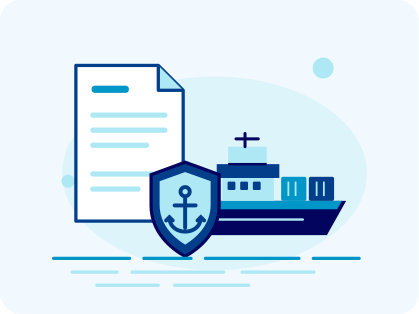
Cabotage waiver applications
Apply for an ownership, manning or build waiver. Upload your documents, pay the fee online, and download your certificate once it’s granted. When it nears expiry, renew it here.
Start a Waiver Application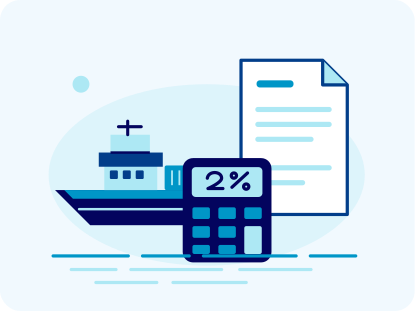
2% surcharge returns
File the 2% surcharge on a contract or a ship-to-ship operation. Upload the charter party agreements, check the calculated amount, and pay against the debit note NIMASA issues.
File a Surcharge ReturnHow the portal works
From sign-up to a decision in three steps.
Set up your stakeholder account
Register your company once. Every waiver and surcharge return you file sits under the same account.
Complete your filing
Pick the service, answer the questions about your vessel or contract, and upload the documents its checklist asks for.
Track the review
See which stage your application has reached. If a reviewer returns a document for correction, fix it and resubmit.
What to have ready
Have these to hand before you start a waiver application or a surcharge return.
Company details
Your company’s registration details and the contact details of your authorised representative.
Vessel information
The name and IMO number of each vessel, plus its gross tonnage for a ship-to-ship return.
Waiver documents
The supporting documents for your waiver type: ownership, manning or build.
Surcharge documents
The charter party agreement for each vessel, and your contract schedule as a spreadsheet.
Frequently asked questions
What operators ask before they file.
What can I do on the portal?
Apply for and renew cabotage waivers, file 2% surcharge returns, pay fees and debit notes, and download your certificates.
Do I need a stakeholder account?
Yes. Every waiver application and surcharge return is filed under a stakeholder account. Create one first, or log in if you already have one.
What documents do I need?
It depends on the service. A waiver needs the documents for its type; a surcharge return needs the charter party agreements and a contract schedule. The portal lists everything to upload before you submit.
Can I file for multiple vessels?
Yes. One surcharge return can cover every vessel on a contract. Add each vessel and upload its charter party agreement.
How do I track my application?
Log in and open the application to see the stage it has reached. Anything waiting on you, like a payment or a correction, also appears on your dashboard.
What if more information is needed?
If a reviewer returns your application, it appears on your dashboard. Correct the details or replace the document, then resubmit it.
Ready to file?
Apply for a waiver or file a surcharge return from your stakeholder account.